
Refreshing the latest data coming from your registration provider in Bear IQ, has never been easier. While Bear IQ will automatically continue to refresh at midnight eastern time every morning, Bear IQ allows you to bring in your latest data at any point of the day using the manual refresh option.
This tutorial explains how to manually refresh your data in Bear IQ.
Login to your Bear IQ Dashboard at app.beariq.com
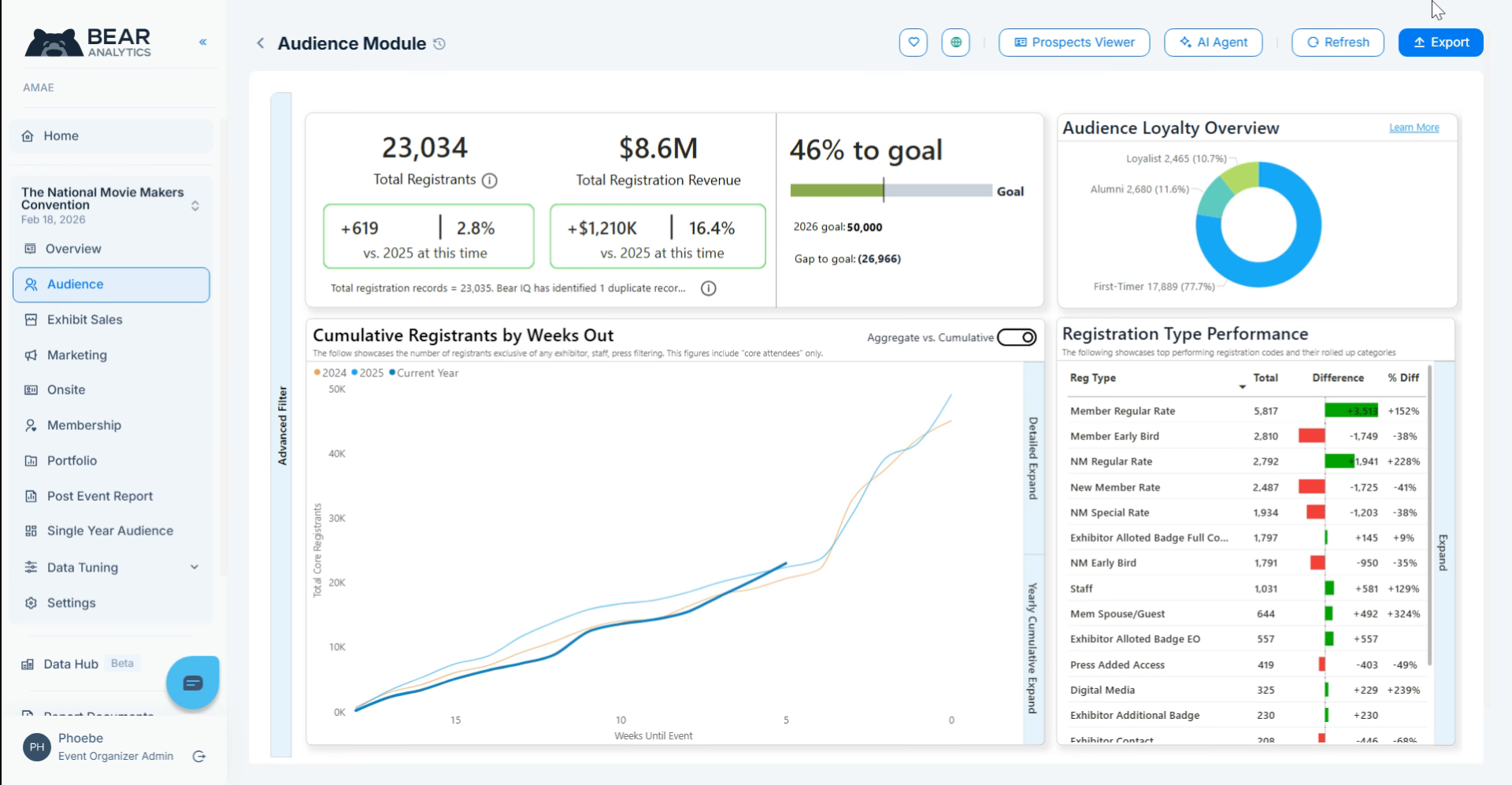
2. Refresh Button
To get started, head to the top right of your screen and click on the refresh button.
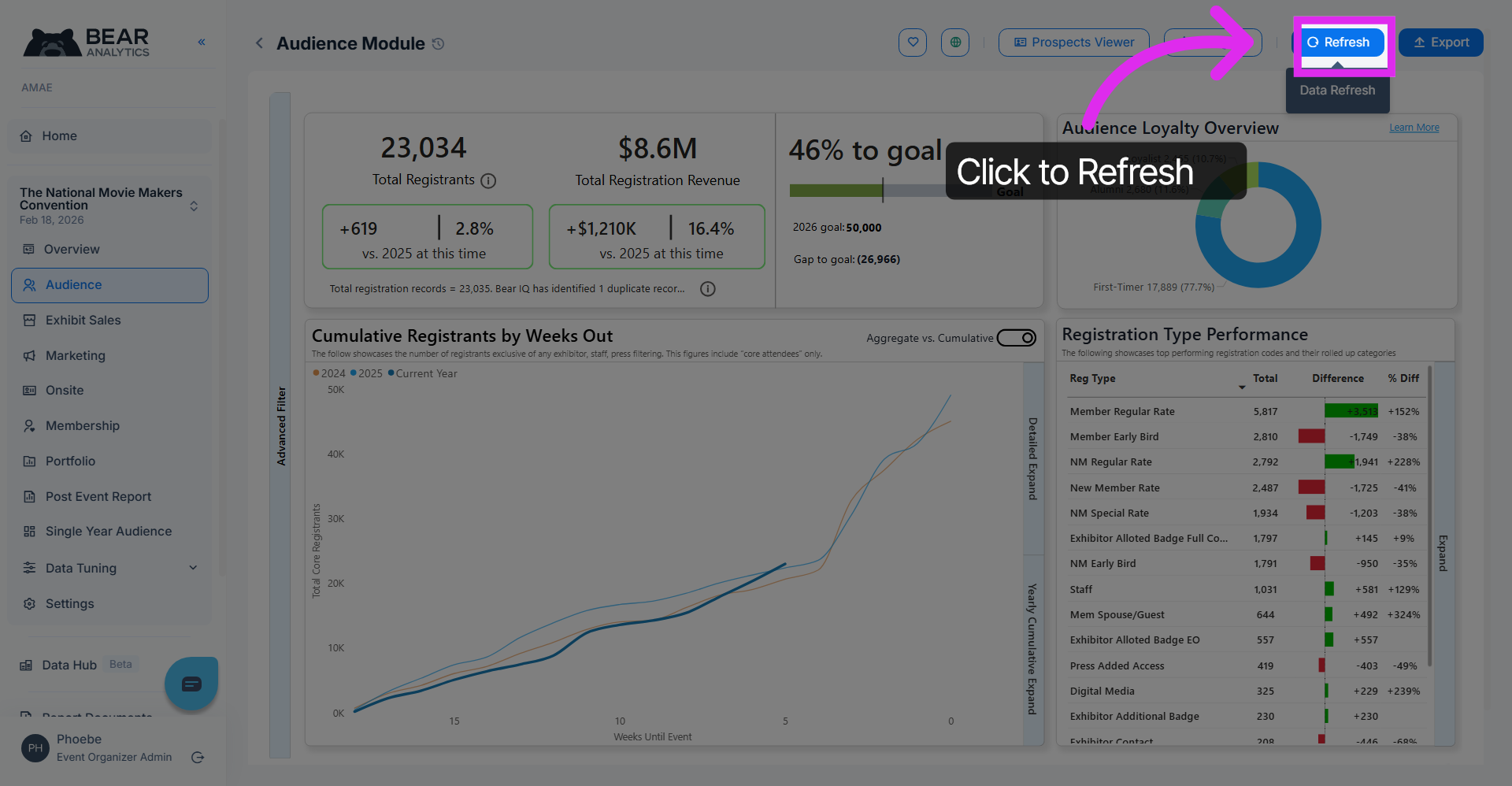
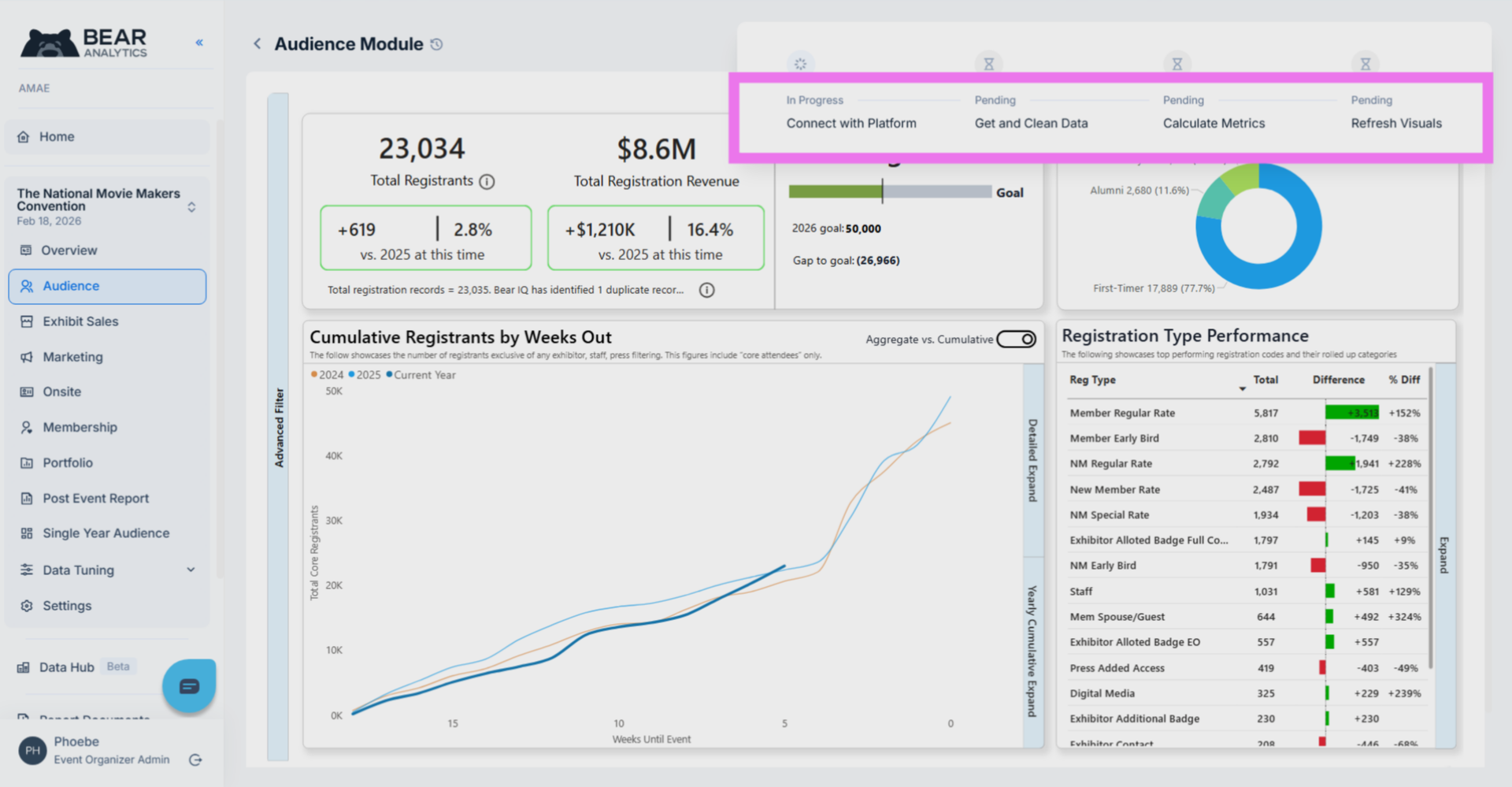
You'll see a pop up that outlines each step from connecting with your registration provider, bringing in and cleaning the data, and updating the metrics and visuals. During this process, you still have the ability to use the platform as you normally would.
You have successfully learnt how to manually refresh your data in Bear IQ, which is an essential skill for ensuring that you are always working with the most up-to-date information available.