
You'll discover how easy it is to access the Bear IQ Knowledgebase and the FAQ section right from Bear IQ. New feature updates and announcements are shared within the app, so you can stay in the loop. This tutorial guides you through accessing and exploring additional resources within Bear Analytics.
Login to your Bear IQ Dashboard at app.beariq.com
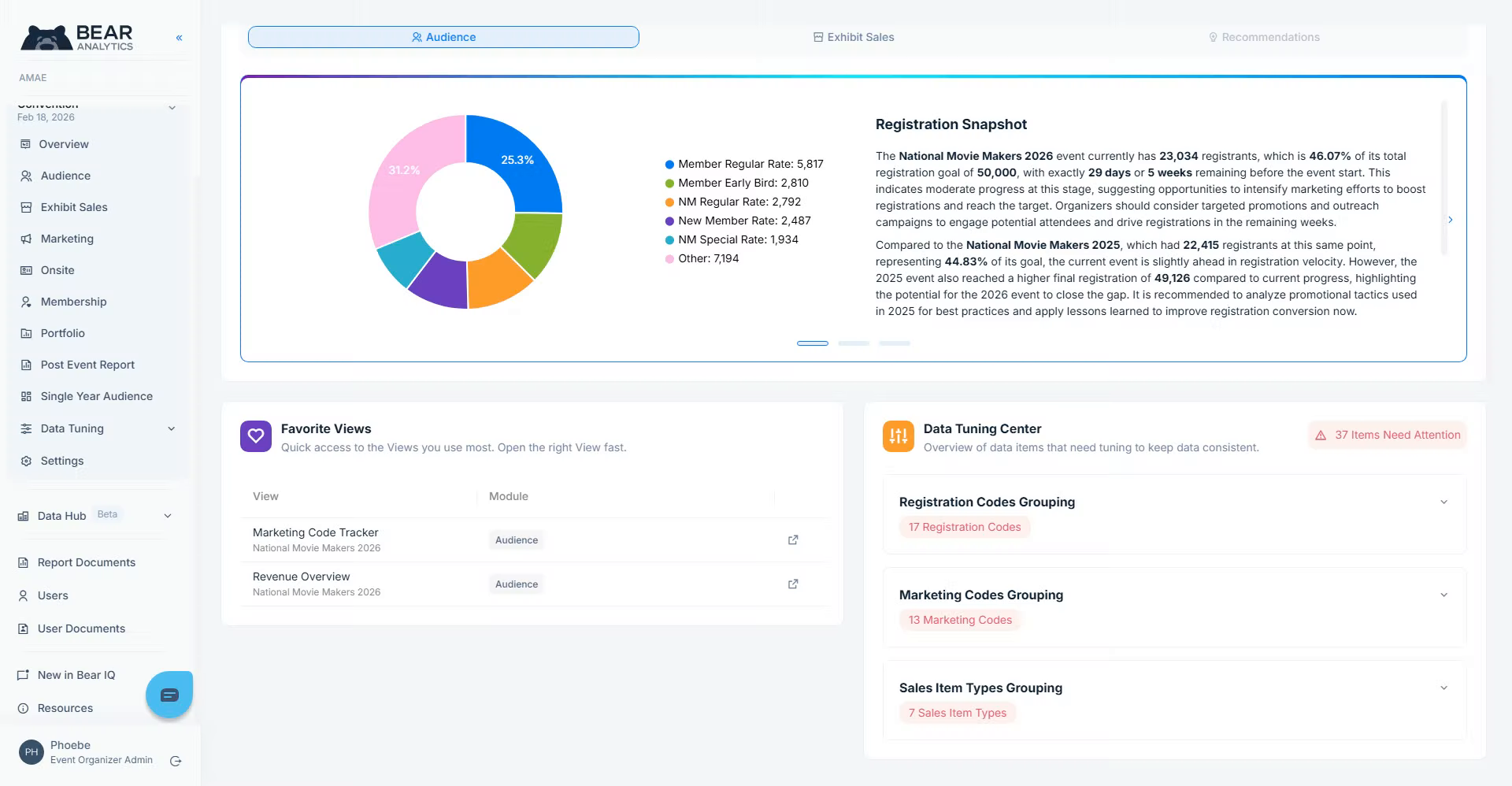
Open Resources Section
Navigate to "Resources" to open the resources section within Bear Analytics.
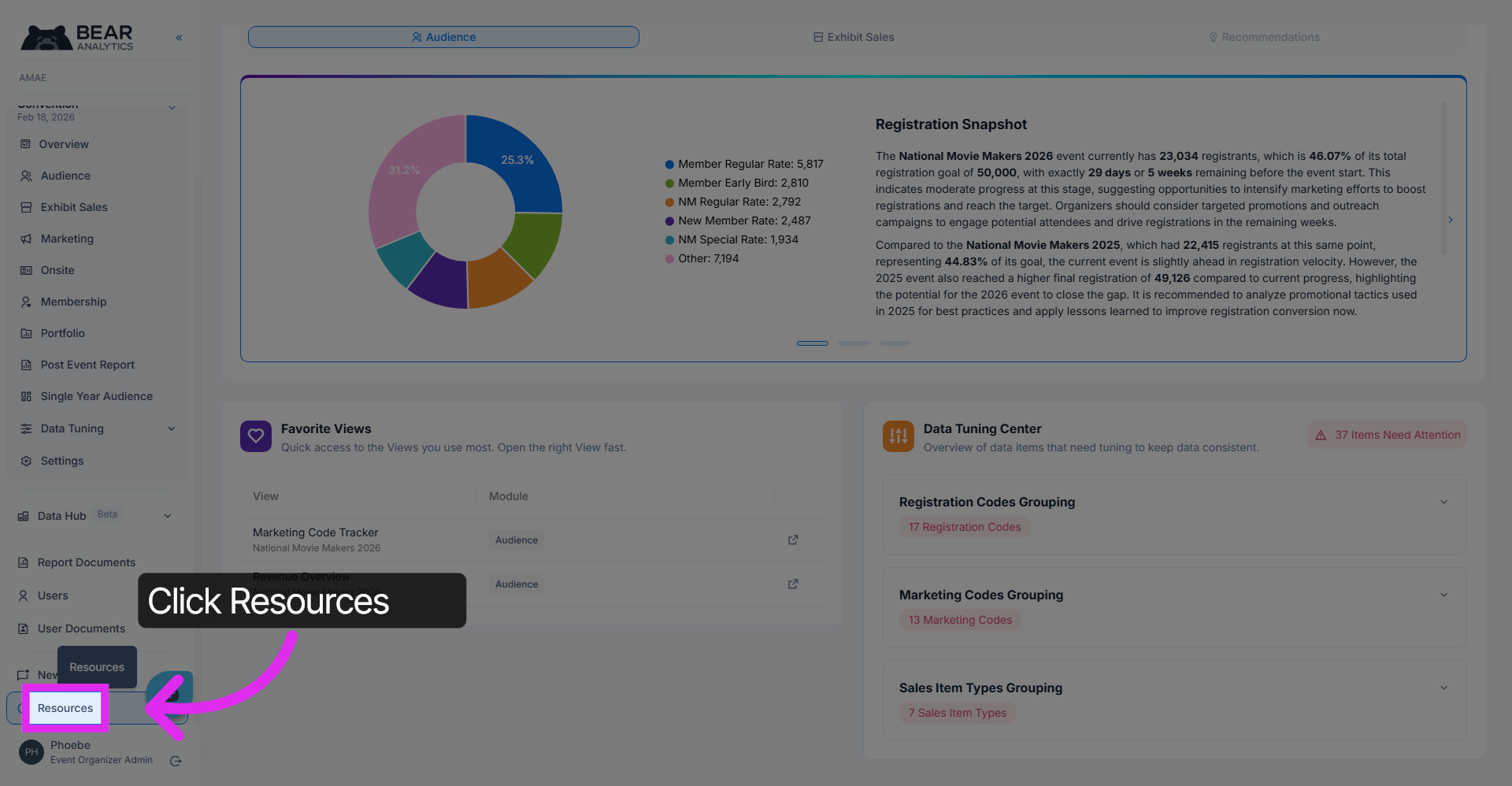
View Detailed Information
Click on the "Learn More" buttons to explore all the amazing resources available to you. And if you need a hand, the support option will open up a chat right in the app.
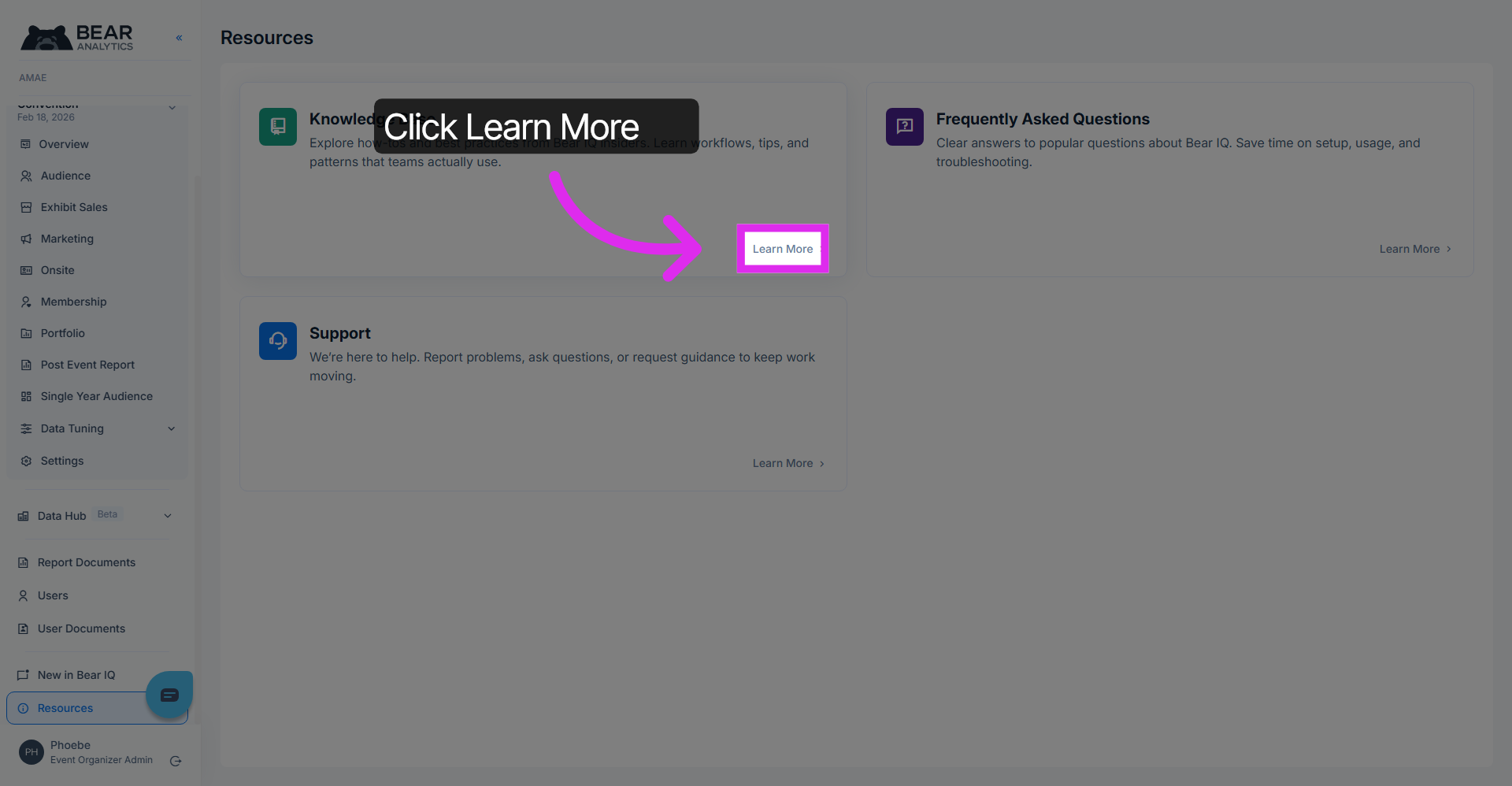
Access New Features Overview
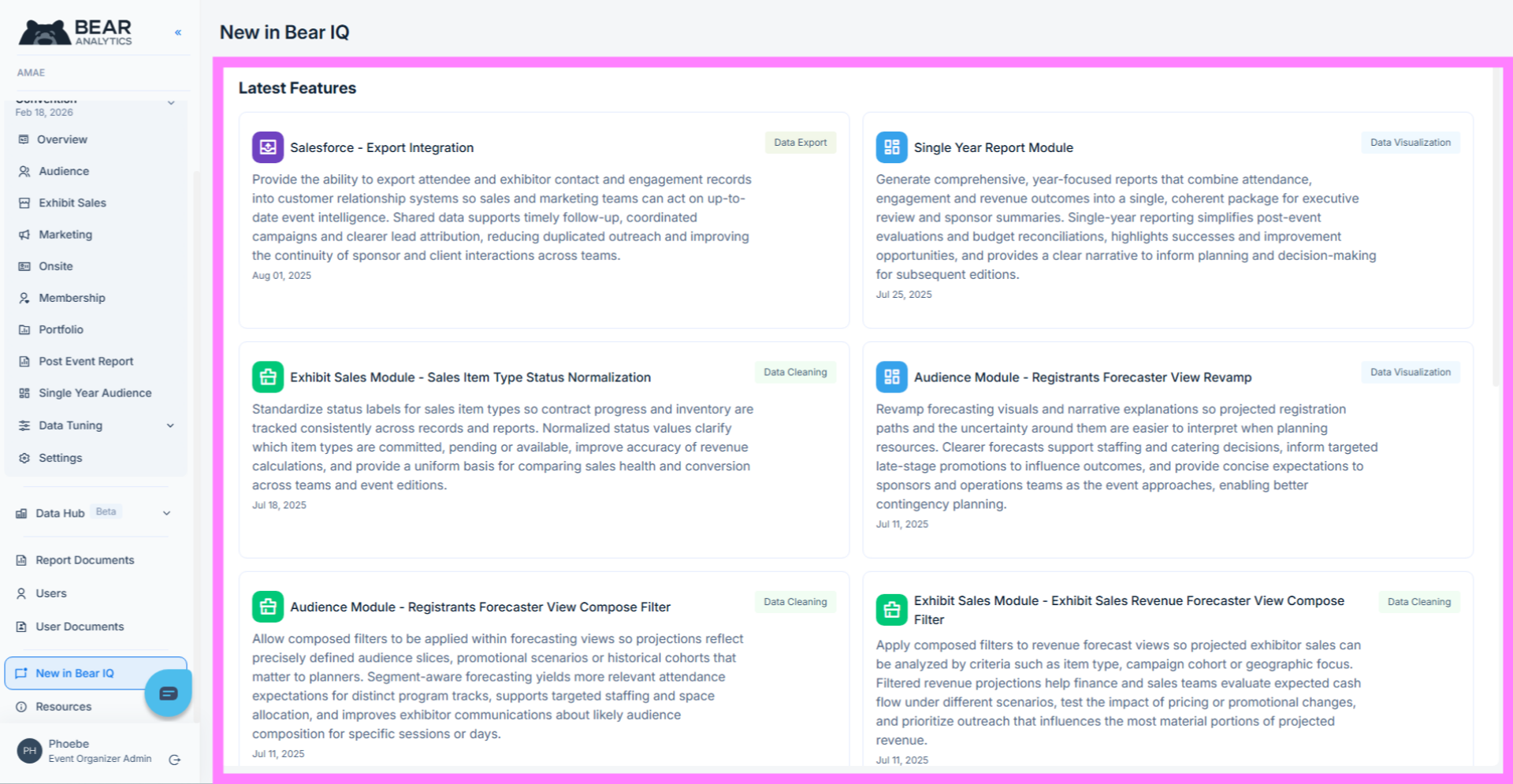
Click "New in Bear IQ" to view the latest features and updates available in Bear Analytics, keeping you informed about recent enhancements.
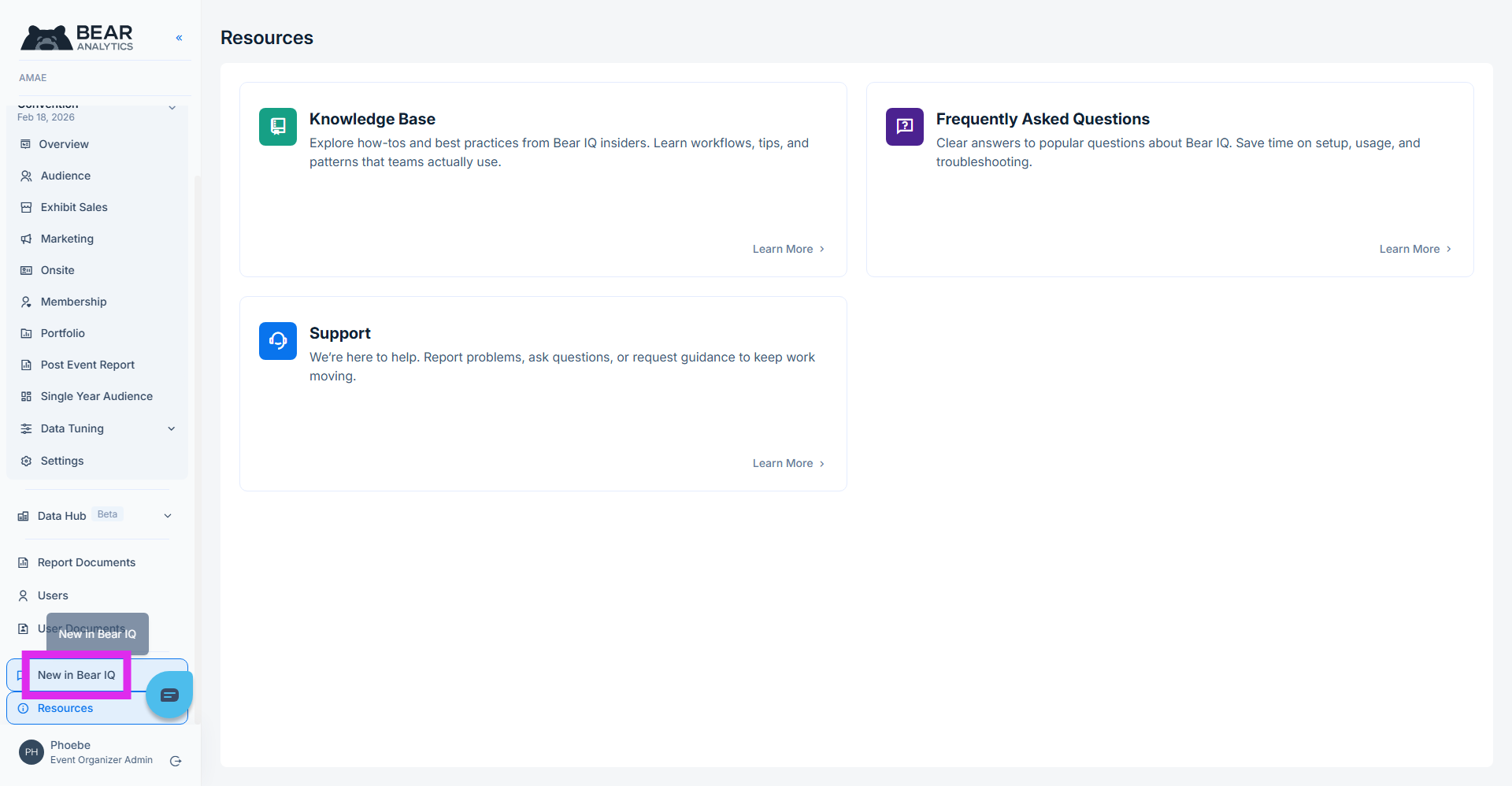
This is your go-to spot to stay updated on all the amazing new features coming your way in Bear IQ!
You have successfully accessed and explored various resources within Bear Analytics.This walkthrough helps you stay informed and utilize the platform's capabilities effectively.