
This video demonstrates how to connect with the BearIQ team for questions or feedback using the live chat feature. It explains the process of initiating a chat, providing detailed information, and uploading files to get prompt assistance.
Login to your Bear IQ Dashboard at app.beariq.com
1. Contact BearIQ Team
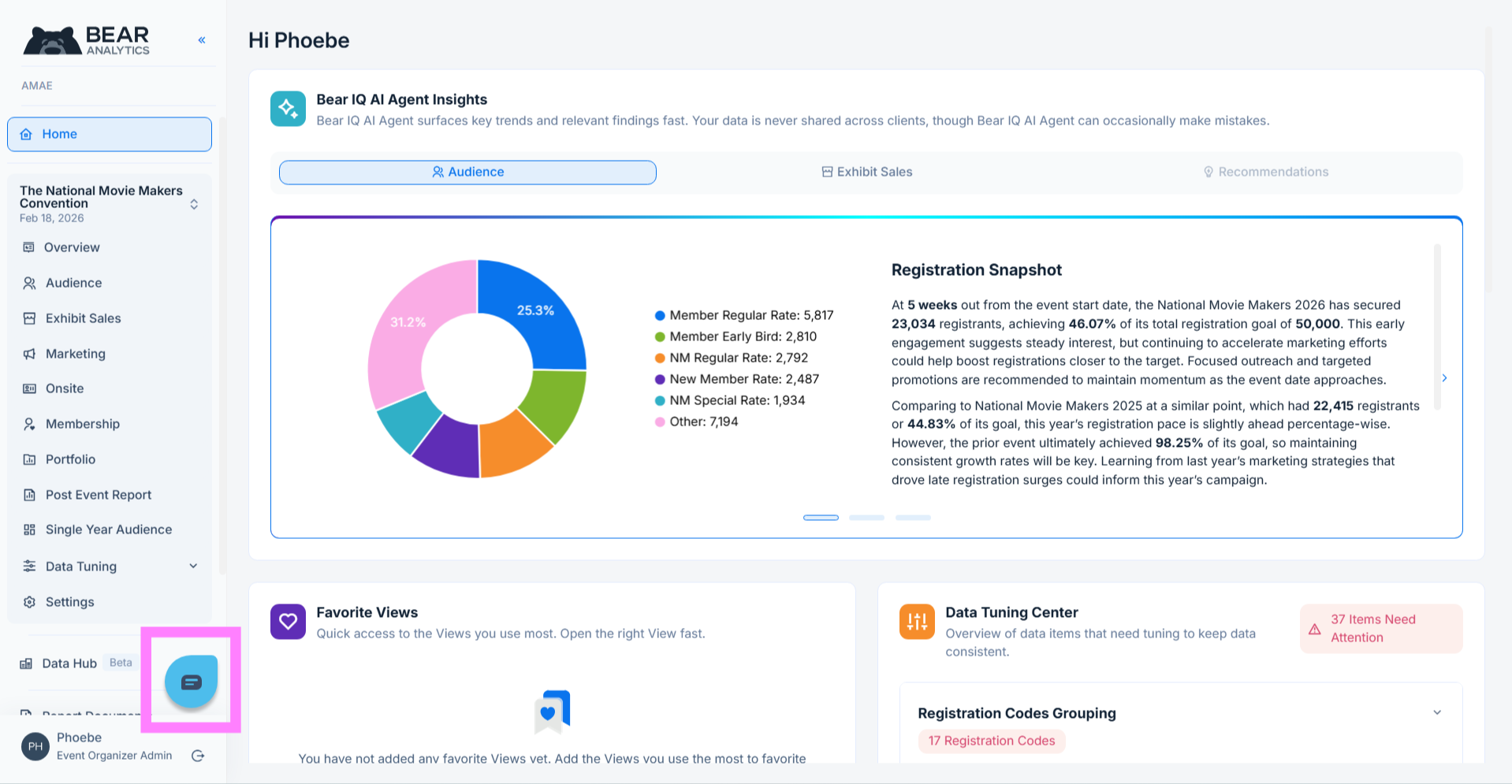
The best way to connect with the BearIQ team with any questions or feedback is via the live chat support option, available on the bottom left corner of Bear IQ.
2. Initiate Chat Question
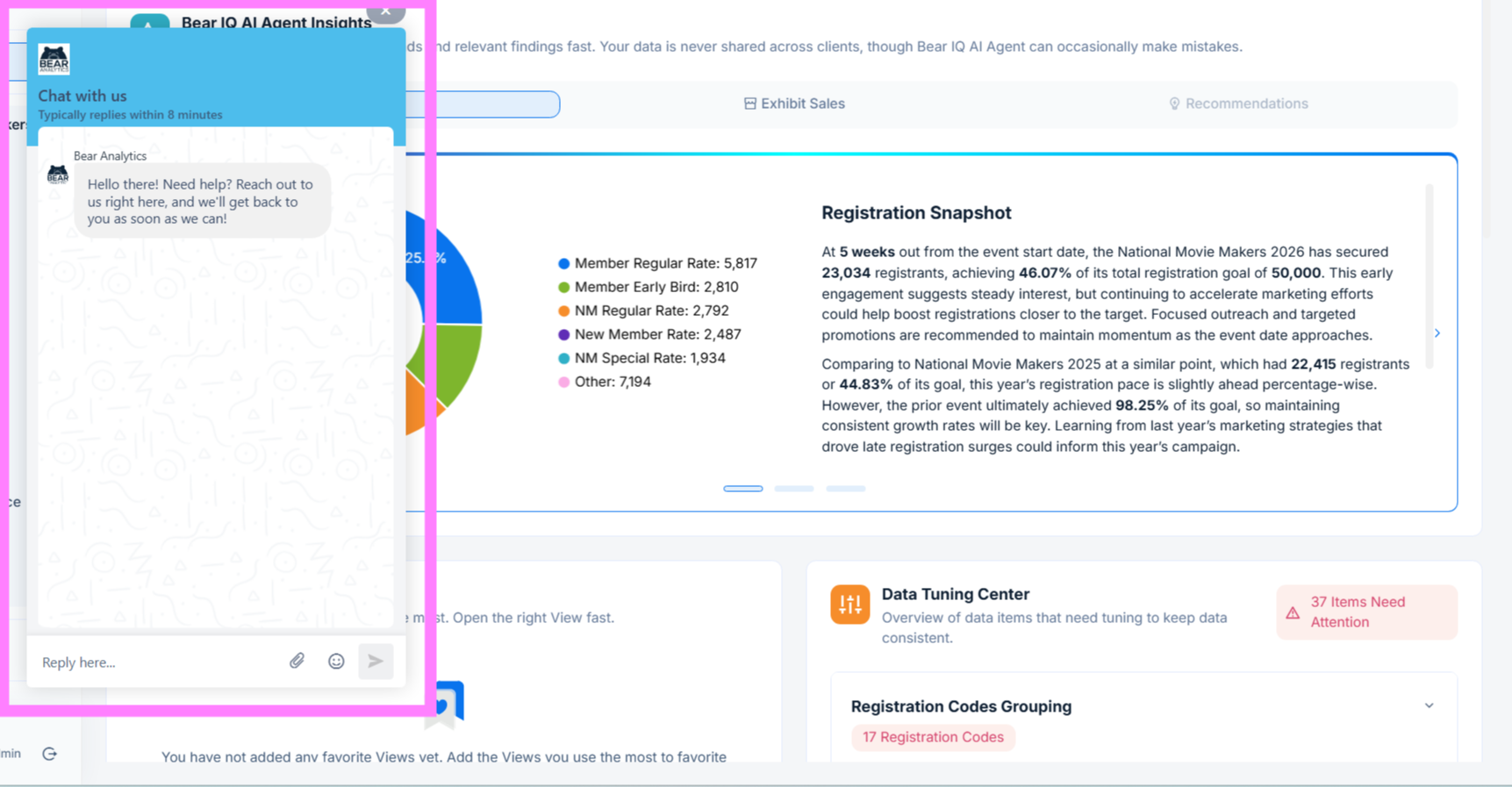
To ask a question, simply click on the bubble and type in your question.
3. Customer Success Notification
Once you hit send, all members of the BearIQ customer success team will be notified via email and Slack. This will connect you immediately with a person on the other end to troubleshoot your question or gather more information about your feedback.
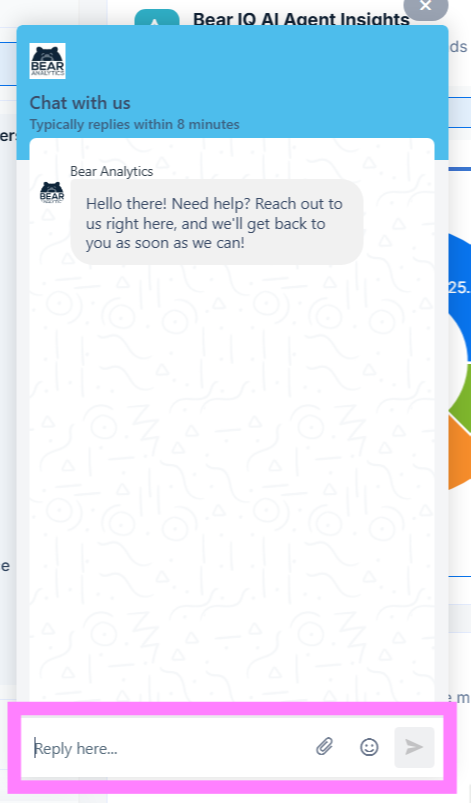
Learn how to use BearIQ's live chat to contact customer success, send detailed questions, and upload screenshots for efficient support.