
This tutorial shows you how you can save specific views of your module for quick access directly from your homepage.
Login to your Bear IQ Dashboard at app.beariq.com
Bear IQ allows you to quickly access your most important and frequently tracked dashboard views directly from your Homepage, without having to navigate to each module. If there are specific panes that you track frequently, you can save them to your favorites and access them directly from your homepage, rather than navigating each time.
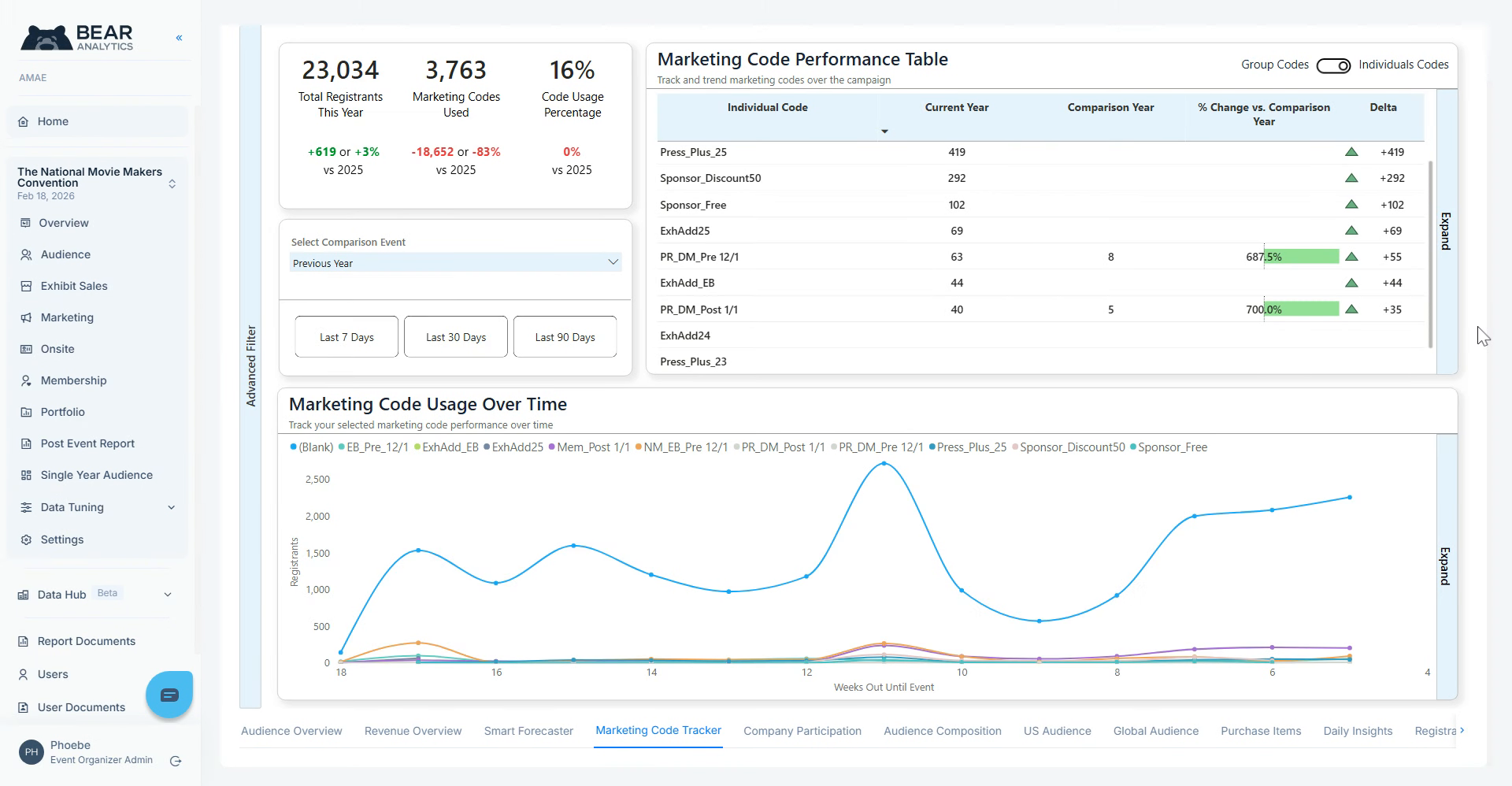
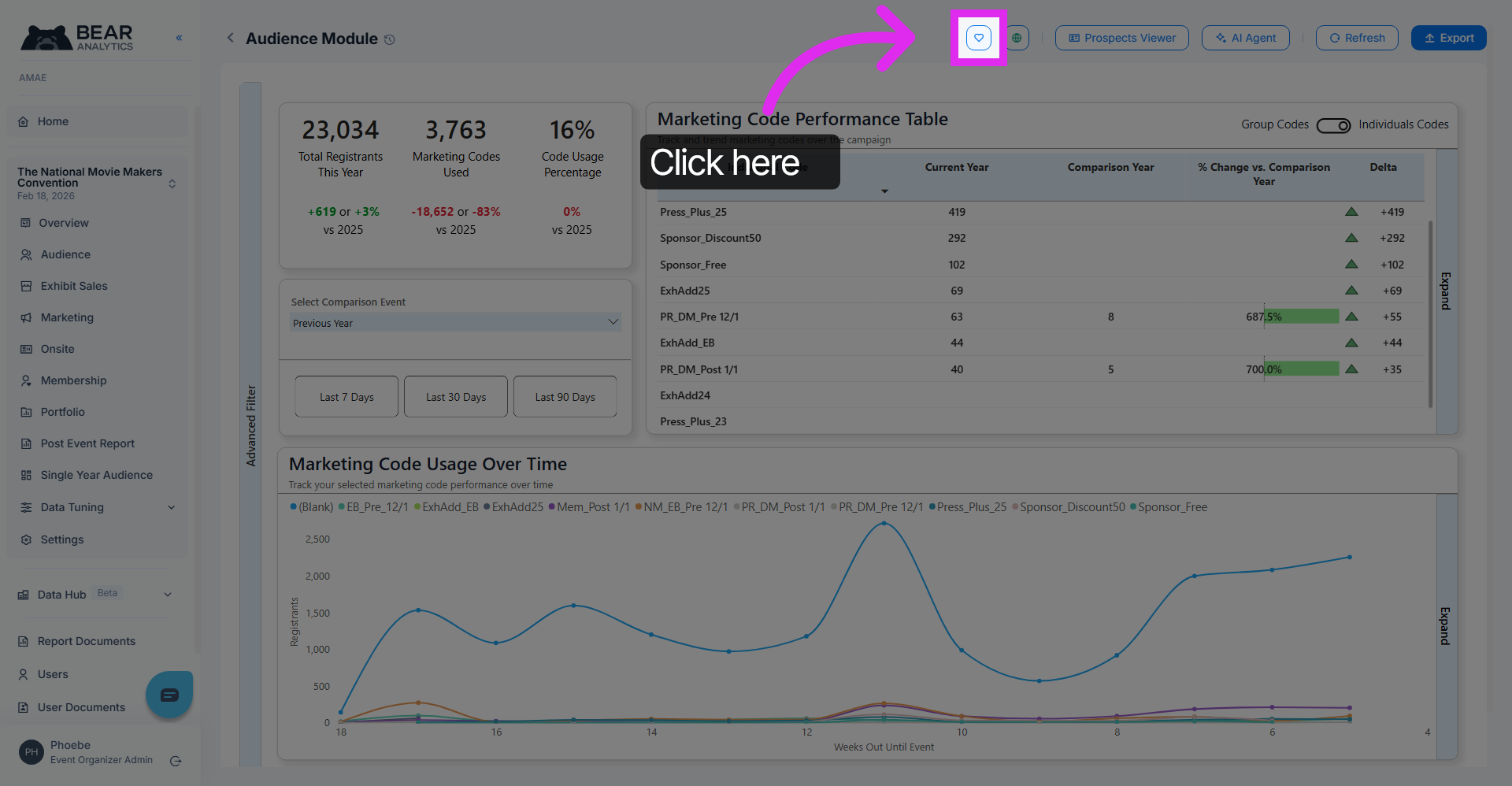
Navigate to the pane of your choice, and click on the 'heart' icon. This saves this view under favorites, located on the Bear IQ homepage.
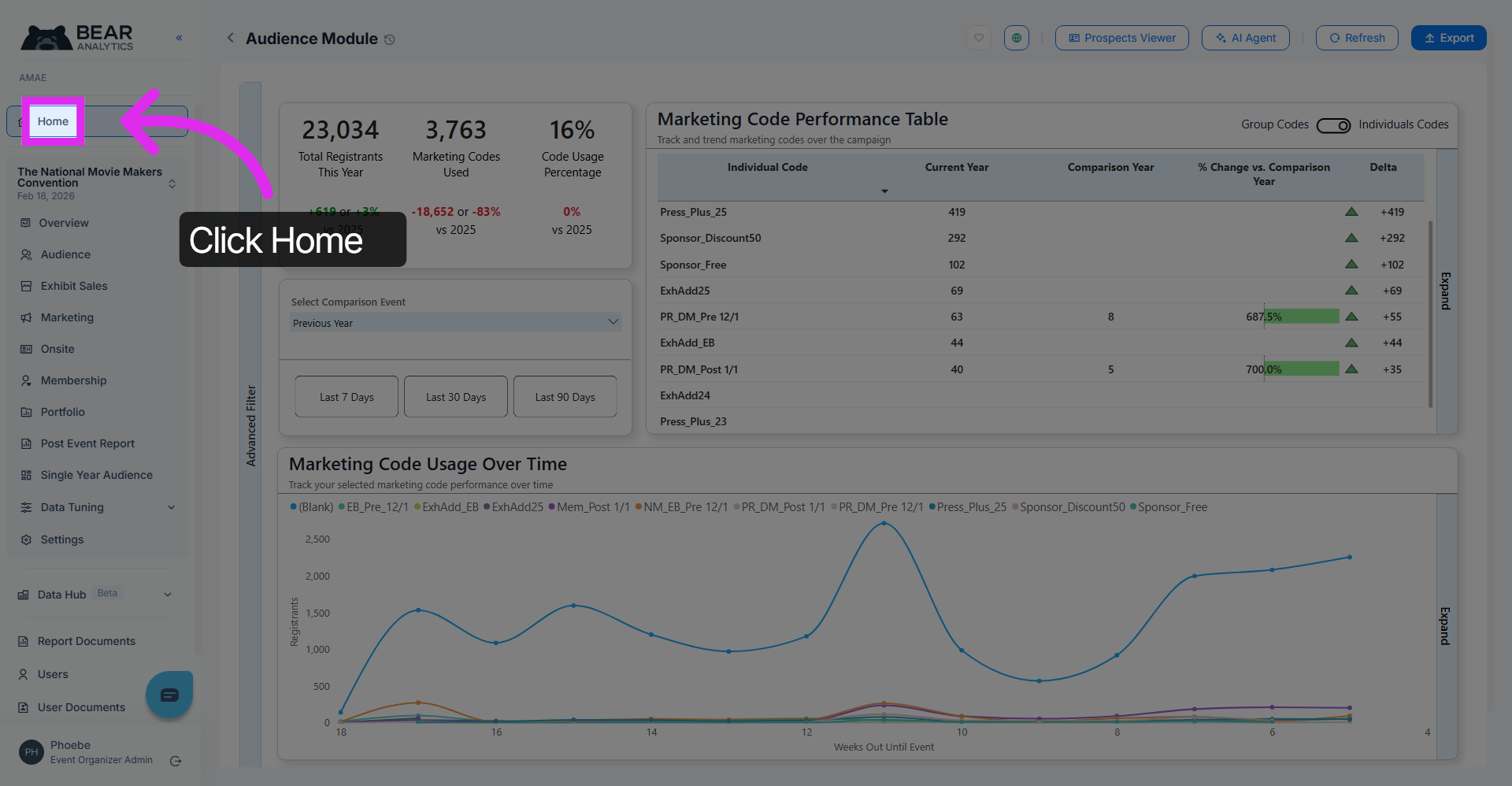
If we now go back to the homepage, you should be able to see your saved view under favorites.
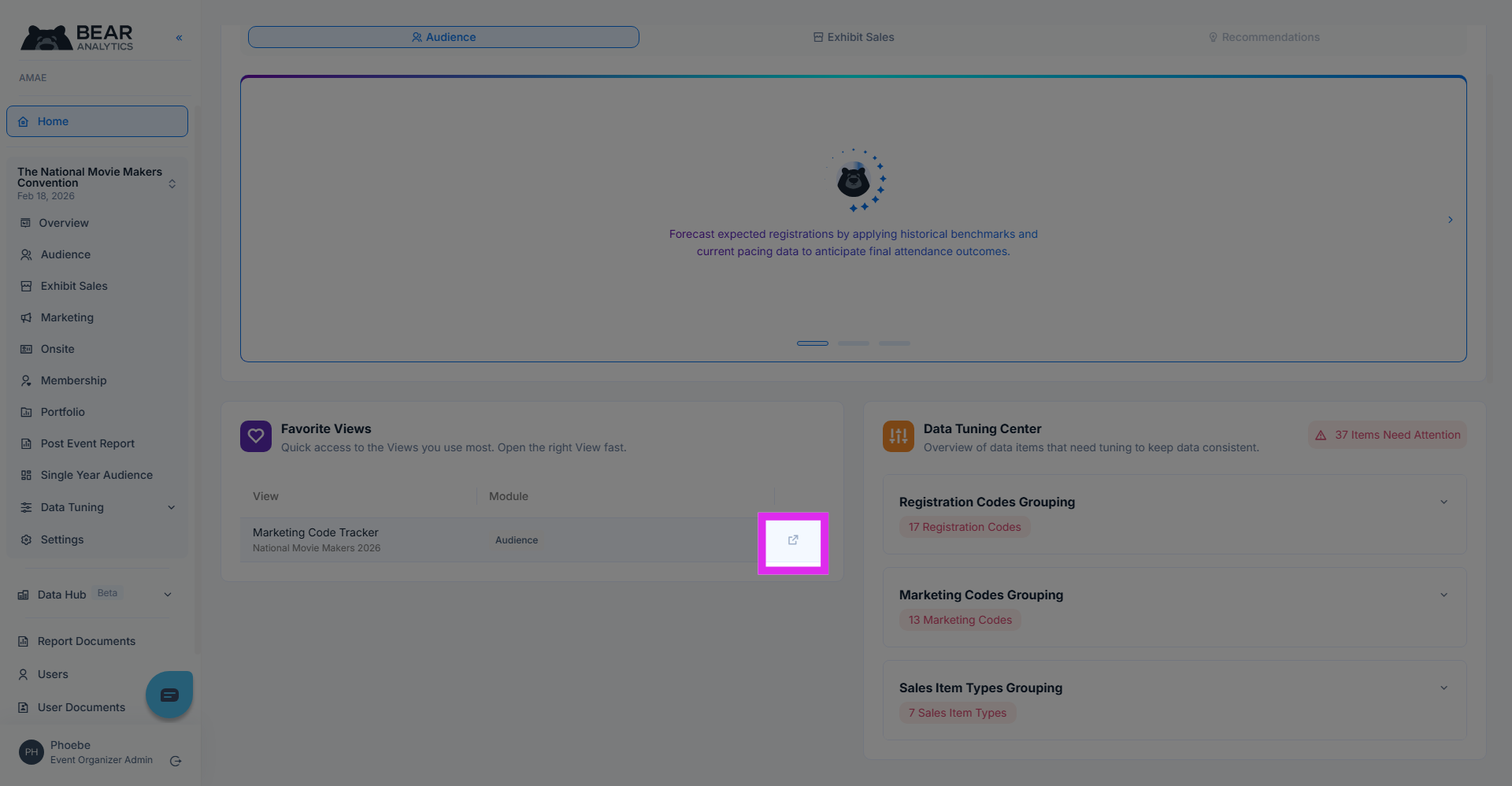
You can now access your most frequently used view directly from your Bear IQ homepage.
You have successfully created and saved your most frequently tracked module panes as your favourite views, allowing you to easily access them whenever you need. This feature enhances your workflow by providing quick access to the modules that matter most to you, streamlining your experience and improving efficiency.